Welcome to the future of
digital readiness.

Until 2023, no state required cybersecurity education throughout K–12.

01 · Digital engagement begins early

By ages 5–8,

84%

of children are already engaging with digital technology.

Common Sense Media, 2025

02 · Digital participation becomes daily

By their teenage years,

96%

are using the internet every day, making decisions about what they share, who they trust, and how they participate in the digital world.

Pew Research Center, 2024

03 · Education has not kept pace

Yet

85%

of U.S. public high schools offer no cybersecurity coursework.

CyberSupply, 2023

Cybersecurity education extends beyond technical knowledge to build security awareness, digital citizenship, and technology literacy.

The gap

Students are connected early.

Access to digital education remains uneven.

The need for digital readiness is universal.

The digital world didn't wait for education to catch up.

Introducing

NexGen Secure

One continuous K–12 pathway for cybersecurity, digital citizenship, and technology literacy.

The need

Students are already navigating it, every day.

01 / 03
Already happening

Security awareness. Digital citizenship. Technology literacy.

Three areas a student meets every day, long before a course covers them.

What it actually is

Three areas, taught as three subjects.

Often taught separately. A fourteen-year-old experiences all three at once.

One experience

Three essential areas.
One continuous pathway.

Taught as one subject from kindergarten through twelfth grade, because that is how students experience it.

A Tuesday, for a fourteen-year-old None of this is on a timetable
A group chat that turned A password reused everywhere An AI answer they can't check A network they don't understand A message that felt like a scam A profile that is now permanent A photo they can't take back An app asking for everything
What most schools can offer Not for lack of caring, but for lack of a subject to teach
An assembly in September
One hour, whole grade, no follow-up
Once a year
A poster by the computer lab
"Think before you click"
Passive
A filter and an acceptable use policy
Blocks the school network, not the phone in their pocket
Partial
Nothing that builds
No sequence, no progression, no evidence anyone learned anything
The real gap

Technology literacy

Understand the technology shaping everyday life: devices, data, systems, and responsible use of AI.

Digital citizenship

Build the judgment to navigate digital spaces: identity, privacy, misinformation, and consequence.

Cybersecurity fundamentals

Learn how digital systems are protected: authentication, networks, threats, defenses, and careers.

Introducing
NexGen Secure
Three essential areas, taught as one continuous K-12 learning experience.
Grades K-5

Getting your bearings

  • What "online" means
  • Kind and unkind online
  • Asking an adult for help
Grades 6-8

Judgment under pressure

  • Group chat dilemmas
  • Passwords and accounts
  • Scams and misinformation
Grades 9-12

How it actually works

  • Networks and protocols
  • Threats and defenses
  • Careers and certifications
Nothing that builds
Thirteen years, one pathway
Inside the platform: the student

It begins with the student.

01 / 07
Dashboard

Everything in one place.

They open it and already know where they stand and what comes next.

  • Cyber Score, streak, labs finished, badges earned
  • What is due, and when
My Courses

Assigned work, in order.

Set by their teacher, with what it is worth and when it is due.

  • Pick up exactly where they stopped
  • Pathways group labs into a sequence that builds
Explore

And the whole library, open.

Students are not limited to what was assigned. A teacher can leave the catalog open and let them go further on their own.

  • Browse by grade band, topic or pathway
  • Self-directed work counts the same
My Skills

Where they are strong. Where they are not.

Proficiency by domain instead of one number that hides everything.

  • Strength shown per area, not per course
  • Weak areas surface as something to practice
Awards

Four ways to be recognized.

Each rewards something different, on purpose.

  • Badges mark a specific competency
  • Certificates mark a completed pathway
  • Titles are a rank that carries across the year
  • Tokens are spendable, so effort has somewhere to go
Community

A class, not an app.

Class milestones, shared within the class.

  • First name and last initial
  • Never visible outside the student's own class
  • No messaging, no comments, no profiles
Career

A reason it matters after Friday.

The part that turns a class into a plan.

  • Certification guides: Security+, Network+, A+, CySA+
  • What the roles are, and what they pay
Hi, Ada Cybersecurity Fundamentals · 3rd Period · Ms. Rivera
Continue lab
3,750
Cyber Score
9
Day streak
7
Labs completed
14
Badges earned

Up next

OSI Model Network Explorer
Networking · 25 min · 350 pts
Due Friday
Ports and Protocols
Networking · 20 min · 300 pts
Due Tuesday

Rank

75PCT
Cyber Scout
1,250 points to Digital Defender
9-12 · Networking🛰️
OSI Model Network Explorer
25 min · 350 pts · due Friday
9-12 · Networking🔌
Ports and Protocols
20 min · 300 pts · due Tuesday
9-12 · Security🛡️
Intro to Cybersecurity Threats
30 min · 400 pts · not started

Assigned by Ms. Rivera. With nothing assigned, this reads “No assigned courses yet. Explore the library.”

9-12 · Security🎭
Social Engineering Defense
Complete · 375 pts
9-12 · Security🔐
Cryptography Basics
Self-directed · 325 pts
9-12 · Systems💻
Operating Systems and Permissions
Self-directed · 350 pts
Pathway · 5 labs🧭
Digital Citizenship pathway
Self-directed sequence
9-12 · Networking🌐
Advanced Routing
Unlocks after Ports and Protocols
9-12 · Careers🧑‍💼
Cyber Careers Deep Dive
Self-directed · 300 pts
12Labs done
88%Accuracy
3,750Total XP
9Day streak

Skill radar · you vs class average

Networking
6 labs · 92% accuracy
Strong
Digital citizenship
4 labs · 88% accuracy
Strong
Threats and defenses
2 labs · 64% accuracy
Developing
Cryptography
Not started
Practice
You Class average

Badges, certificates, titles and tokens

🏅
OSI Model Card
Rare
🎯
Quiz Ace
Common
🔥
Streak Keeper
Uncommon
🧩
Protocol Sorter
Common
🛡️
Safe Sharer
Common
📜
Networking pathway
Certificate
🔒
Threat Hunter
Locked
🔒
Packet Tracer
Locked
Cyber Scout
Current title · Digital Defender at 5,000 points
Title
Cyber Tokens
Spendable on titles and dashboard themes
12
Class wall Cybersecurity Fundamentals · 3rd Period · 24 students
GH
Grace finished OSI Model Network Explorer
2 hours ago · +350 points
🎉 6
KJ
Katherine unlocked the OSI Model Card badge
3 hours ago · rare badge
🏅 9
GH
Grace is on a 14-day streak
Longest in the class
🔥 11
AT
Alan passed the Network Layers quiz
Yesterday · 92%
👏 4

First names only. Reactions, but no messaging, no comments and no profiles.

Certification guides

CompTIA Security+
SY0-701
CompTIA Network+
N10-009
CompTIA A+
220-1101 / 1102
CompTIA CySA+
CS0-003

Career resources

Role explorer
What a SOC analyst, pen tester or IT admin actually does
Advanced pathways
Where CEH and OSCP sit, and what they lead to
More career tools in high school
Unlocked as students move into the 9-12 band
Updates as they work
Set by their teacher
Not limited to what was assigned
Per domain, not one grade
Tied to a skill, not attendance
No messaging, no profiles
Why it matters after Friday
What they learn

One platform that grows up with them.

01 / 04
Grades K-2

Learn what it means to be connected.

Bright, spacious, and character-led. Short instructions, visual cues, and age-appropriate interactions.

Grades 3-5

Understand why the rules exist.

The same bright environment, asking more of them: how the systems behind the rules actually work, and what happens when they do not.

Grades 6-8

Practice deciding when there's no right answer.

The same platform, grown up a little. Situations with real consequences and no obvious move.

Grades 9-12

Understand how it actually works.

Dense, technical, and career-facing. A simulated desktop with a terminal.

Grades K-5 Getting your bearings
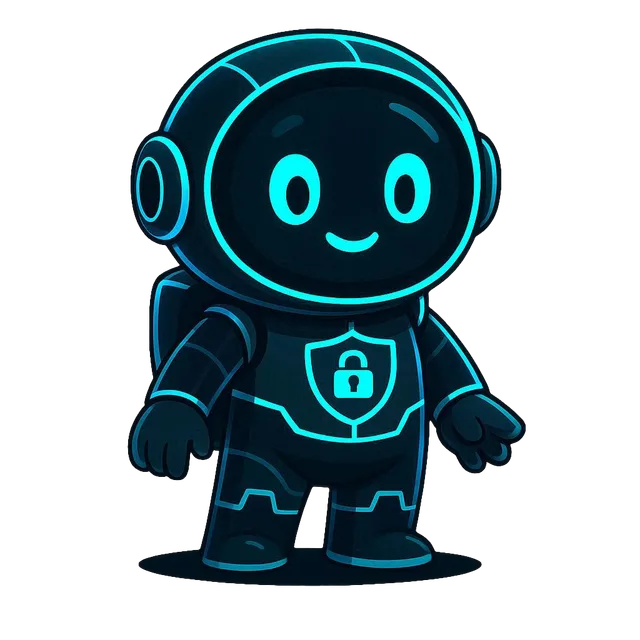
The NexGen Secure elementary school character
Elementary
What is online?
That it is a connection, not a place
Which devices use the internet?
Sorting things that connect from things that don't
When should I ask an adult?
Recognizing the moment to stop and tell someone
How should I treat others online?
Kind and unkind, with real examples
Grades 6-8 Judgment under pressure
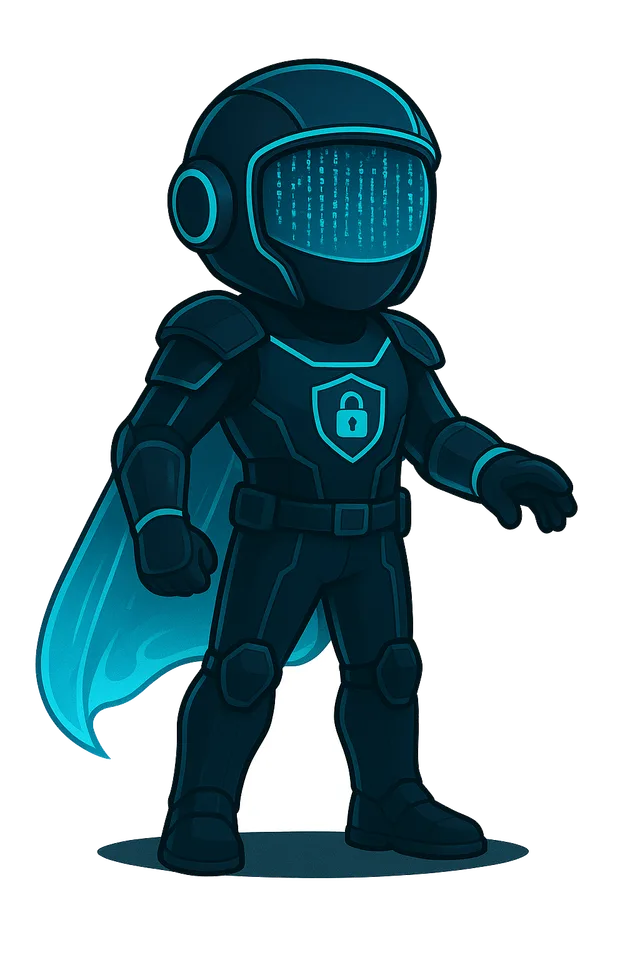
The NexGen Secure middle school character
Middle school
Group chat dilemmas
What to do when the group turns on someone
Digital identity
What follows you, and for how long
Passwords and accounts
Why reuse is the single biggest risk
Scams and misinformation
Spotting the tell before acting on it
Grades 9-12 How modern technology and security actually work
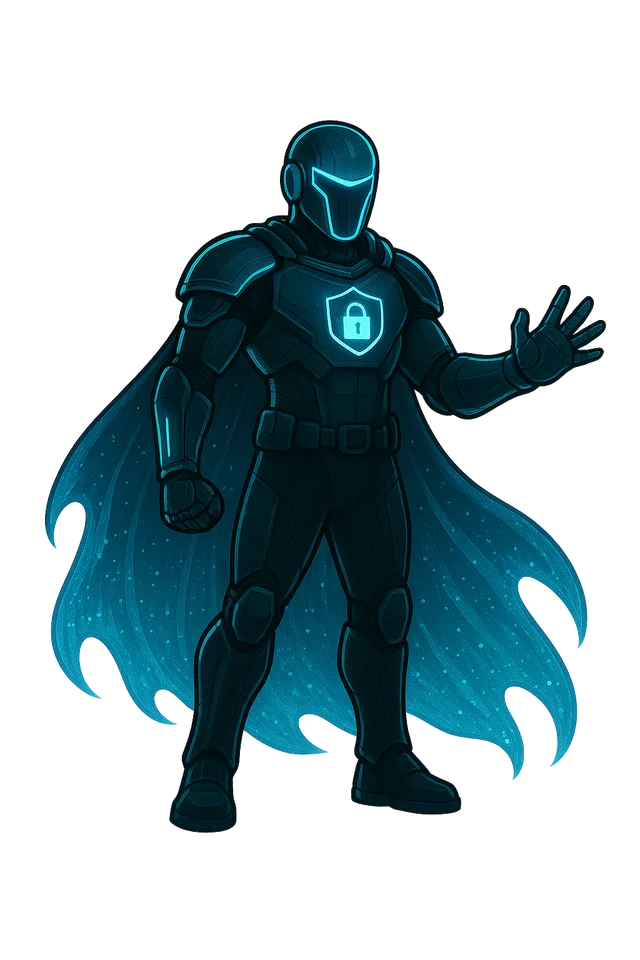
The NexGen Secure high school character
High school
Networks and protocols
The OSI model, ports, routing, and why it matters
Threats and defenses
How attacks work, and what stops them
Social engineering
The attack that never touches a computer
Career and certification pathways
What the jobs are and how to qualify for them
No typing, no reading required
No obviously right answer
A real terminal, a real fault
The catalog

Not a starter pack. A curriculum.

Enough to teach the subject properly for thirteen years, mapped so a school can show what was covered rather than what was purchased.

120+
Interactive labs

Across every grade band, evolving alongside the technologies students actually use.

4
Grade bands

K-2, 3-5, 6-8 and 9-12, as one continuous pathway rather than four products.

100%
Mapped to a standard

Every lab carries the specific published standard it addresses.

Aligned to nationally recognized frameworks
CYBER.ORG K-12 Cybersecurity Learning Standards, backed by CISA NIST NICE Workforce Framework, for 9-12 career pathways Further national frameworks as they are mapped

Coverage reported per standard, so a board sees competencies demonstrated rather than courses enrolled in.

Inside a lab

Students don't simply watch. They investigate, decide, and solve.

01 / 05
The situation

Two machines can't reach each other.

The switch is fine. The cable is fine. She has to work out what to check next.

Attempt one

She tries the cable. Still nothing.

Being wrong is part of it. The attempt is recorded, not penalized.

A hint

So she asks for a nudge.

Hints narrow the problem instead of giving the answer.

Solved

Third attempt. Fourteen minutes.

She works out it's a routing problem, not a physical one.

What it produced

The learning process becomes visible.

Attempts, decisions, time and hints, recorded automatically, typed in by nobody.

OSI Model Network Explorer Grades 9-12·Section 3 of 5
4TransportLocked
3NetworkYou are here
2Data LinkDone
1PhysicalDone
The situation

Two machines on different subnets cannot reach each other. The switch is fine and the cable is fine.

$ ping 10.0.2.15
Destination host unreachable
 
What do you check next?
Replace the network cable
Restart the switch
Check the default gateway
Reinstall the network driver
$ replace cable eth0
Link renegotiated · 1000 Mb/s full duplex
$ ping 10.0.2.15
Destination host unreachable
Replace the network cable
Restart the switch
Check the default gateway
Reinstall the network driver
Layers 1 and 2 are both confirmed working. If the physical path is fine, the problem is above it. Which layer decides where a packet goes when the destination is on another network?
$ ip route
10.0.1.0/24 dev eth0 scope link
(no default route)
$ ip route add default via 10.0.1.1
$ ping 10.0.2.15
64 bytes from 10.0.2.15 · time=1.2 ms
Section complete
Network Layer · 3 attempts · 2 hints · 14 min
⚡ +350 points 🏅 OSI Model Card 🔥 Streak 10
Network
Layer reached
14 min
On this section
3
Attempts
2
Hints taken

Recorded for every section of every lab, for every student.

A problem, not a video
Recorded, not punished
Narrows it, never answers it
Earned against a competency
Typed in by nobody
And this is what changes

Every interaction becomes meaningful learning visibility.

Nothing a teacher has to record, mark, or chase. It simply arrives.

Behind every student

A teacher who needs clarity, not more complexity.

01 / 06
Overview

Opens on what needs you today.

The exception list first. No report to run, no filters to set.

My Classes

Create a class. Share a code.

No roster upload, no IT ticket, no waiting on us.

  • Name it, pick a grade band, done
  • Students join with a class code
  • Pending joins wait for your approval
  • Run as many classes as you teach
Students

Who is progressing, and who needs you.

Status is calculated, not color-coded by hand.

  • Radia has not opened anything in two days
  • Hedy asked for help twice and is still waiting
Section by section

Completion says she finished.
This says how she got there.

Attempts, hints and minutes per section, arriving on their own.

We do not store grades. This is where a student slowed down, not a mark against them.

Course Library

Play it yourself before you assign it.

Nothing reaches a class until the teacher has been through it.

  • Assign one lab or a whole pathway
  • Or leave the catalog open for self-directed work
Resources & Training

The subject knowledge comes with it.

Included with the license, written for teachers new to the subject.

  • A lesson plan for every lab: objectives, timing, prompts
  • Background reading, so you can teach it confidently
  • No cybersecurity background required
Ms. Rivera NexGen Demo Academy · 2 classes · 52 students
New class
2
My classes
+4
52
Total students
+9%
47
Active this week
2 open
2
Action required

Action required

Radia Perlman
OSI Model Network Explorer · Network Layer
2 days
Hedy Lamarr
Ports and Protocols · Common Ports
4 days

Recent activity

Grace finished OSI Model Network Explorer
2 hours ago
🎯
Alan passed the Network Layers quiz
Yesterday · 92%
🏅
Katherine unlocked OSI Model Card
3 hours ago

My classes

Cybersecurity Fundamentals
3rd Period · Grades 9-12 · code DEMO-2026 · 24 students
21 active
Intro to Digital Citizenship
5th Period · Grades 6-8 · code DEMO-6812 · 28 students
26 active
3 students waiting to join
Approve or decline from here
Pending
Create a class
Name, grade band, and a code students can use the same day
New

Cybersecurity Fundamentals · 3rd Period

StudentProgressLast activeStatus
Ada Lovelace12 min agoOn track
Grace Hopper1 hour agoAhead
Radia Perlman
14 minutes on the Network Layer, 2 hints
2 days agoNeeds support
Alan Turing35 min agoOn track
Katherine Johnson20 min agoAhead
Hedy Lamarr
Asked for help twice, still waiting
4 days agoWaiting on help
Tim Berners-Lee1 hour agoOn track
Whitfield Diffie3 hours agoOn track
Radia Perlman OSI Model Network Explorer
Network
Layer reached
14 min
On this section
3
Attempts
2
Hints taken

Section by section

Physical Layer1 try0 hints4 min
Data Link Layer1 try0 hints5 min
Network Layer3 tries2 hints14 min
Transport Layer2 tries1 hint8 min
Application LayerNot reached

No grade is stored. This is where a student slowed down, not a mark against them.

Course library Preview any lab as a student before it reaches your class
K-2 · 10 min🔌
Let's Get Connected
K-2.CS.COMM.1
6-8 · 15 min💬
Group Chat Dilemma
6-8.NI.SEC.2
9-12 · 25 min🛰️
OSI Model Network Explorer
9-12.NI.NET.1 · 350 pts
9-12 · 20 min🔐
Ports and Protocols
9-12.NI.NET.3 · 300 pts
Pathway · 6 labs🧭
Networking Fundamentals
Assign as a sequence
Class setting🔓
Open the catalog to this class
Students choose alongside assigned work
Resources & training Included with the license, for the class, and for you
Lesson plan for every lab
Objectives, timing, and what to look for while they work.
Included
Discussion prompts
For the ten minutes after the lab ends.
Included
Background reading on every topic
Written for teachers new to the subject. You are not expected to already know it.
Free · self-paced
Play any lab as a student
The fastest way to learn the material is to do it yourself.
Free · unlimited
Standard mapping
Every lab states the published standard it addresses.
Per lab
Support, from people who built it
Not a ticket queue in another timezone.
Included

The platform carries the subject knowledge; the educator leads the classroom.

The exception list, first
Students join with a code
Sorted by who needs support
Straight from the lab
Nothing ships to a class unseen
No cyber background required
Getting started

From first conversation to first lab.

No curriculum to build, no course to assemble, and no professional development week to schedule before anyone can begin.

01

Configure the school

Establish the administrator and the school environment.

02

Invite educators

Teachers receive access, training, and ready-to-use resources.

03

Create classes

Created in minutes and adapted to your schedule and grade structure.

04

Welcome students

Students join with a class code or a supported school account.

05

Begin learning

The first lesson can begin the same day.

Built to adapt to the school, not to force the school to adapt to the platform.

School-wide

What begins with one student becomes visible across a school.

01 / 07
Overview

Every school, one screen.

Students reached, teachers active today, and classes running — school-wide participation in one view.

Teachers

Staff change. This takes a minute.

Invite by email, reassign a class, revoke access when someone leaves.

  • No support ticket, no waiting on us
  • A teacher only ever sees their own classes
Classes

Administrators see classes.
Not the students in them.

Which classes exist, who teaches them, how many are enrolled. That is the whole view.

  • No student names, no student work, no progress records
  • Reassigning a class moves the teacher, never the data

Administration is an operational role here, not an observational one.

Reporting

Evidence a board can read.

Coverage reported per standard rather than per course.

Which parts of a recognized framework students actually worked through, not which courses they enrolled in.

Billing

Purchase orders, not credit cards.

Quoted per school and invoiced the way districts actually buy.

  • Serial key, payment history, renewal request
  • Seat usage, so a renewal is a fact rather than a guess
IT Security Resources

The platform trains the administrator too.

Written for the person who runs a school network, often alone, and often without a security background of their own.

Privacy

Designed for students. Built with their privacy in mind.

Only what is needed to teach, support, and measure progress.

  • No advertising, ever
  • No cross-site tracking
  • No selling or sharing student data
  • No training AI models on student work
NexGen Demo Academy 3 schools · licensed through June · purchase order on file
+128
912
Students reached
+6
38
Teachers active
+11
47
Classes running
today
46
Teachers active today

Participation by grade band

Grades 9-12 · Demo Academy High
18 teachers · 412 students
96%
Grades 6-8 · Demo Academy Middle
13 teachers · 318 students
91%
Grades K-5 · Demo Academy Elementary
7 teachers · 182 students
88%

Teachers

Invite by email. A teacher only ever sees their own classes.

Alex Rivera
Demo Academy High · 2 classes
Active
Morgan Reyes
Demo Academy Middle · 3 classes
Active
Sam Okafor
Demo Academy Elementary · invited 2 days ago
Invited
Jordan Blake
Left the district in March · classes reassigned
Revoked

Classes

Who teaches what, and how many are enrolled.

Cybersecurity Fundamentals · 3rd Period
Alex Rivera · Grades 9-12
24 enrolled
Intro to Digital Citizenship · 5th Period
Alex Rivera · Grades 6-8
28 enrolled
Digital Foundations · Homeroom
Sam Okafor · Grades K-5
22 enrolled
Reassign a class
Moves the teacher. Student records are untouched.
Reassign

What an administrator cannot see

Student names
Student work or lab activity
Individual progress records

Access is limited to a student's own records and a teacher's own classes. Administration is an operational role, not an observational one.

Standards coverage

Reported per standard rather than per course. Counts only, never names.

K-2.CS.COMM.1 · Devices and connection
Let's Get Connected · 182 students
Covered
6-8.NI.SEC.2 · Account and password safety
Group Chat Dilemma · 318 students
Covered
9-12.NI.NET.1 · Network layers and data flow
OSI Model Network Explorer · 412 students
In progress
9-12.NI.NET.3 · Ports, protocols and services
Ports and Protocols · 412 students
Started

Subscription

1,000 seats · 3 schools
Active through 30 June
Paid
Serial key
Reveal to activate a new school
Reveal
Purchase order
PO-4471 · invoiced to district finance
On file

Seat usage

912 of 1,000 in use
Renewal sized on what is actually used
91%
Request renewal
Quote returned against the same purchase order
Request

IT security resources

Included with the license, written for school IT rather than for a SOC.

Why MFA is the highest-impact control
8 min read
Why school networks are high-value targets
6 min read
Managing school devices at scale
11 min read
Your legal obligations as a school IT administrator
9 min read
Building a security-aware school culture
7 min read

What is used

First and last name
School and class affiliation
Grade level, set by the teacher
Learning activity and progress
Badges and certificates earned

What never happens

Advertising of any kind
Cross-site tracking
Selling or sharing student data
Training AI models on student work
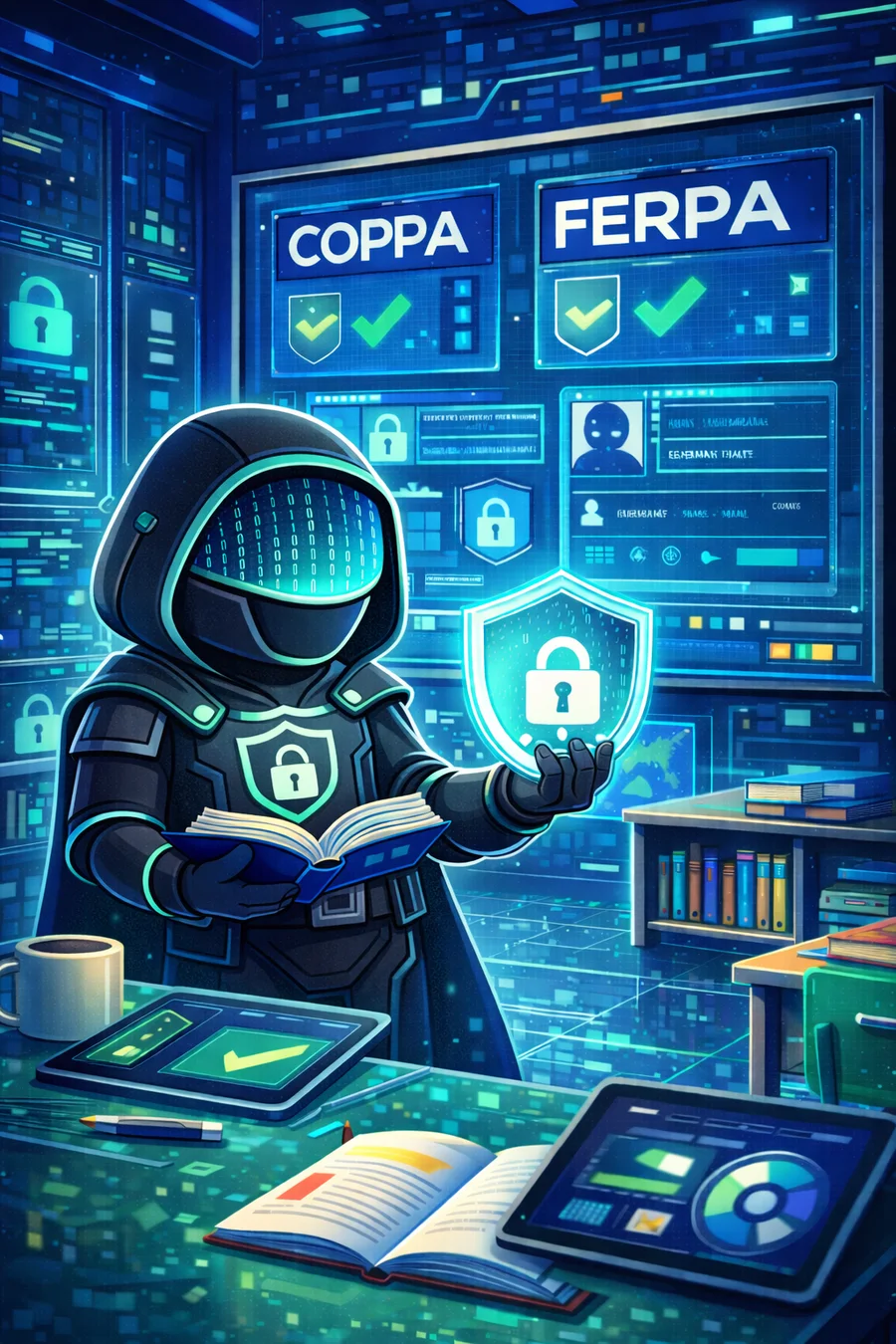
COPPA and FERPA compliance

Stored encrypted in the United States. Access limited to a student's own records and a teacher's own classes. NexGen Secure acts as a school official under FERPA, is built to COPPA requirements, and we sign your district's data privacy agreement.

Every school, one place
Access moves without a ticket
Classes yes. Students no.
Per standard, not per course
Invoiced against a PO
Included with the license
FERPA · COPPA · signed DPA
Everything together
Studentsbuild the knowledge and judgment to navigate a digital world.
Teachersreceive the structure and visibility to guide them.
Schoolsgain a pathway that grows from kindergarten through graduation.

Digital readiness for every student.
Support at every level.

NexGen Secure brings technology literacy, digital citizenship, and cybersecurity fundamentals together in one structured K-12 learning experience.

The dashboards shown here are faithful recreations of the product's interface, built from the shipping app and running on sample data. Students are named after computing pioneers, not real children.
More for parents and students. Prefer to read it? The written guide covers the same ground.